 Wear AirPods. Focus starts.
The focus tracker
you don't have to use.
FlowPods lives in your menu bar and tracks focus, breaks, and deep flow sessions using compatible headphone motion data—zero timers, zero effort.
See FlowPods in action.
Quick walkthrough before you explore the features.
Smart focus tools,
perfectly synchronized.
Focus tracking that stays out of your way.
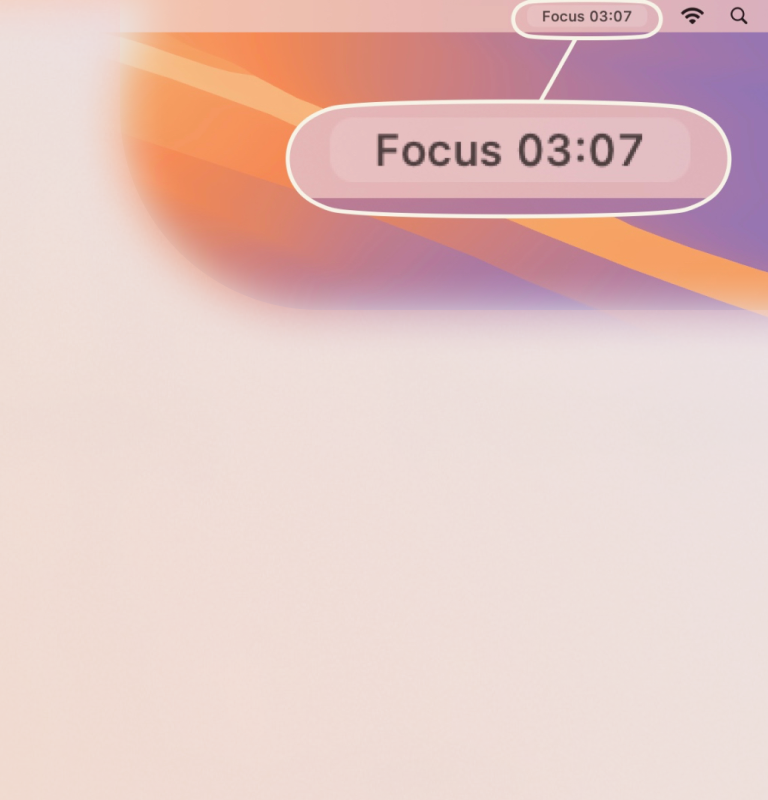
Headphone Tracking
Detects when you're wearing headphones and automatically tracks your focus. No timers needed.
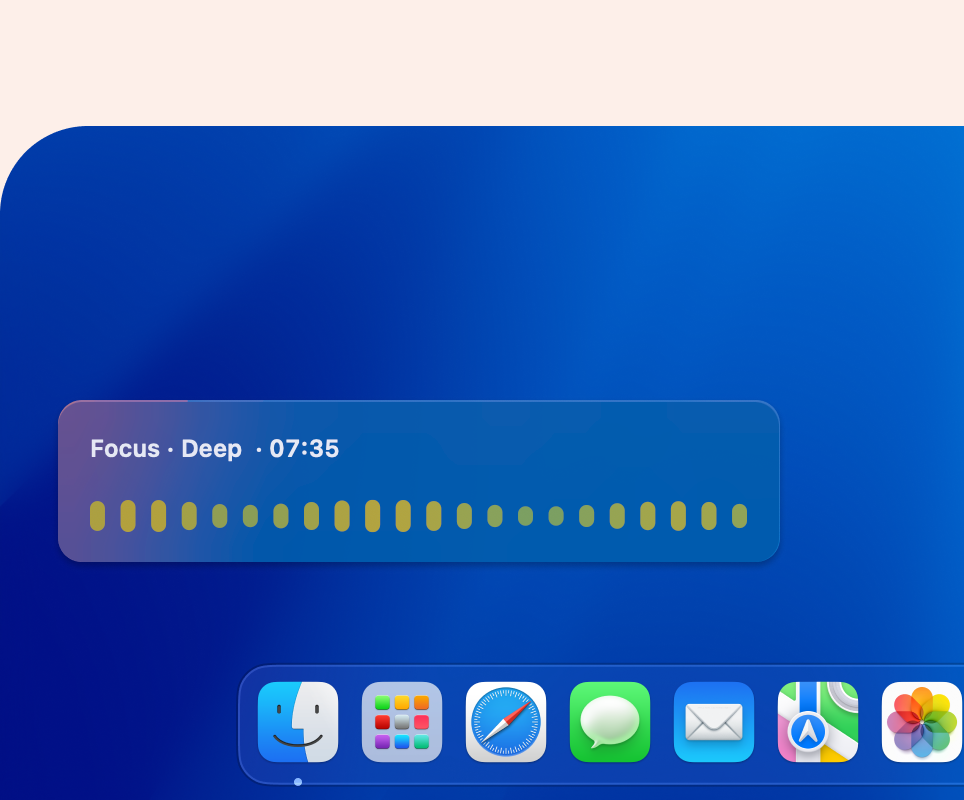
Live Flow Signal
See your focus and break states as they happen, based on real movement not manual input.
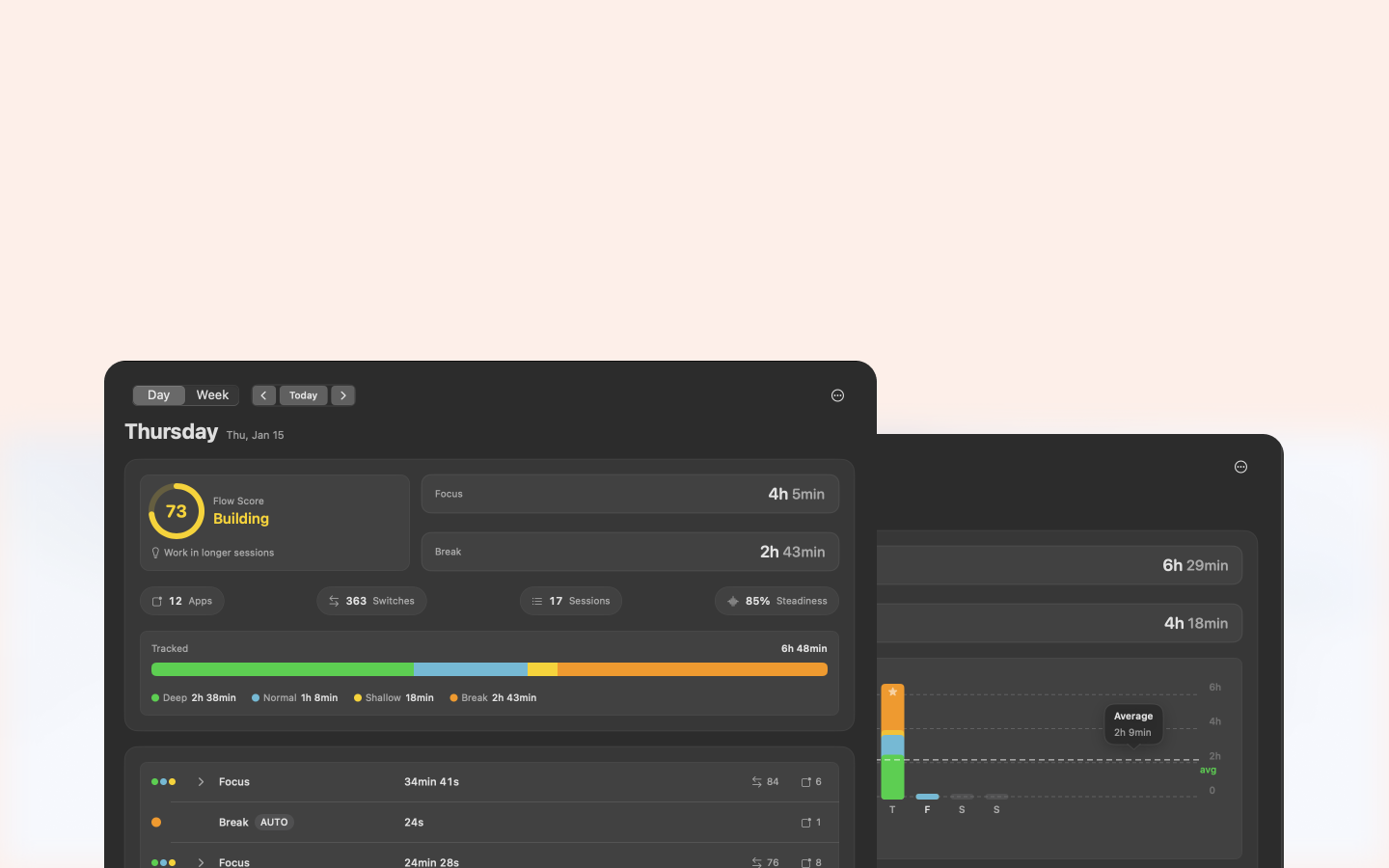
Daily dashboard
See your whole day and week at a glance with clear summaries, session tables, and actionable data.
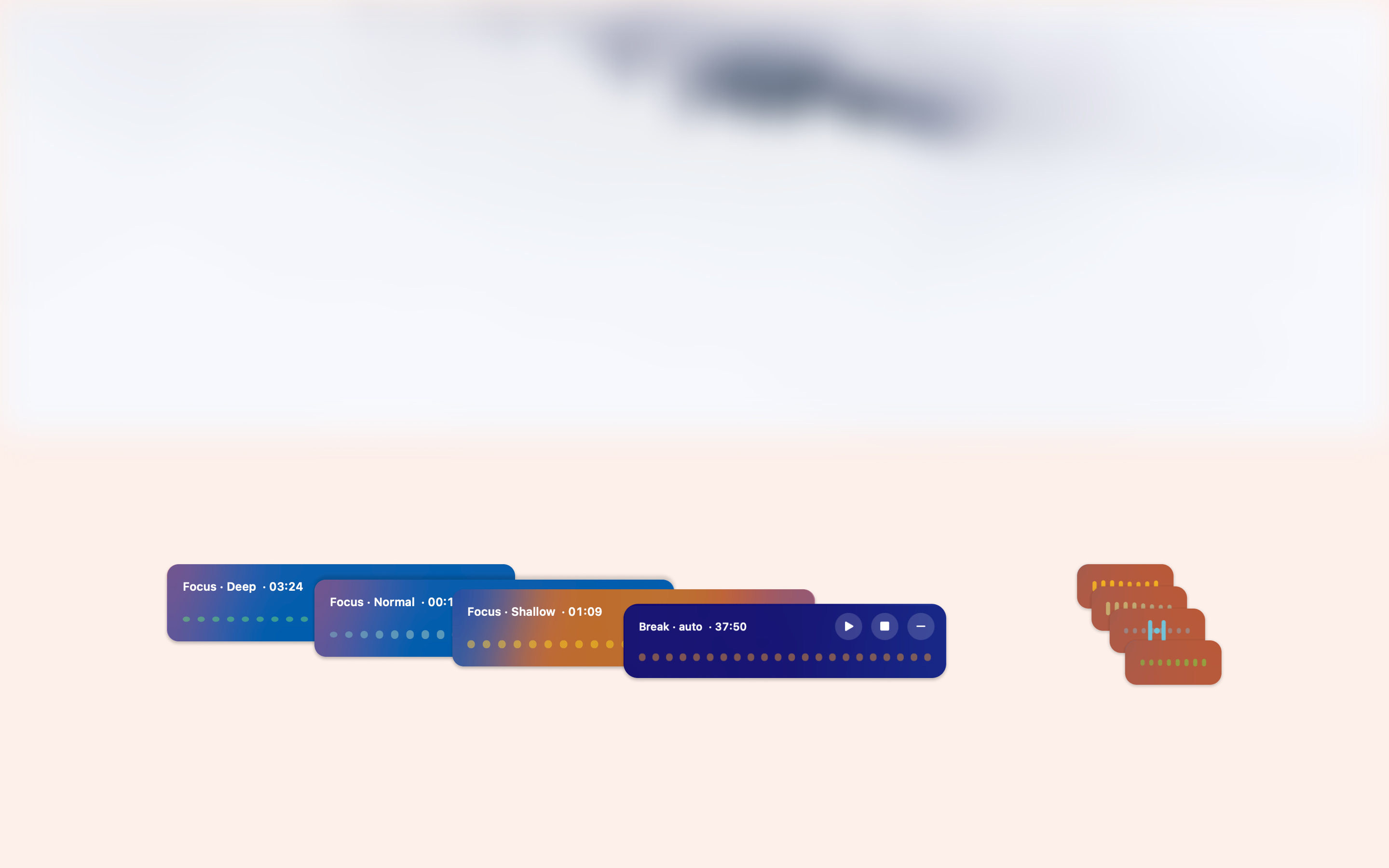
Smart Breaks
FlowPods knows when you're taking a break and automatically logs your downtime.
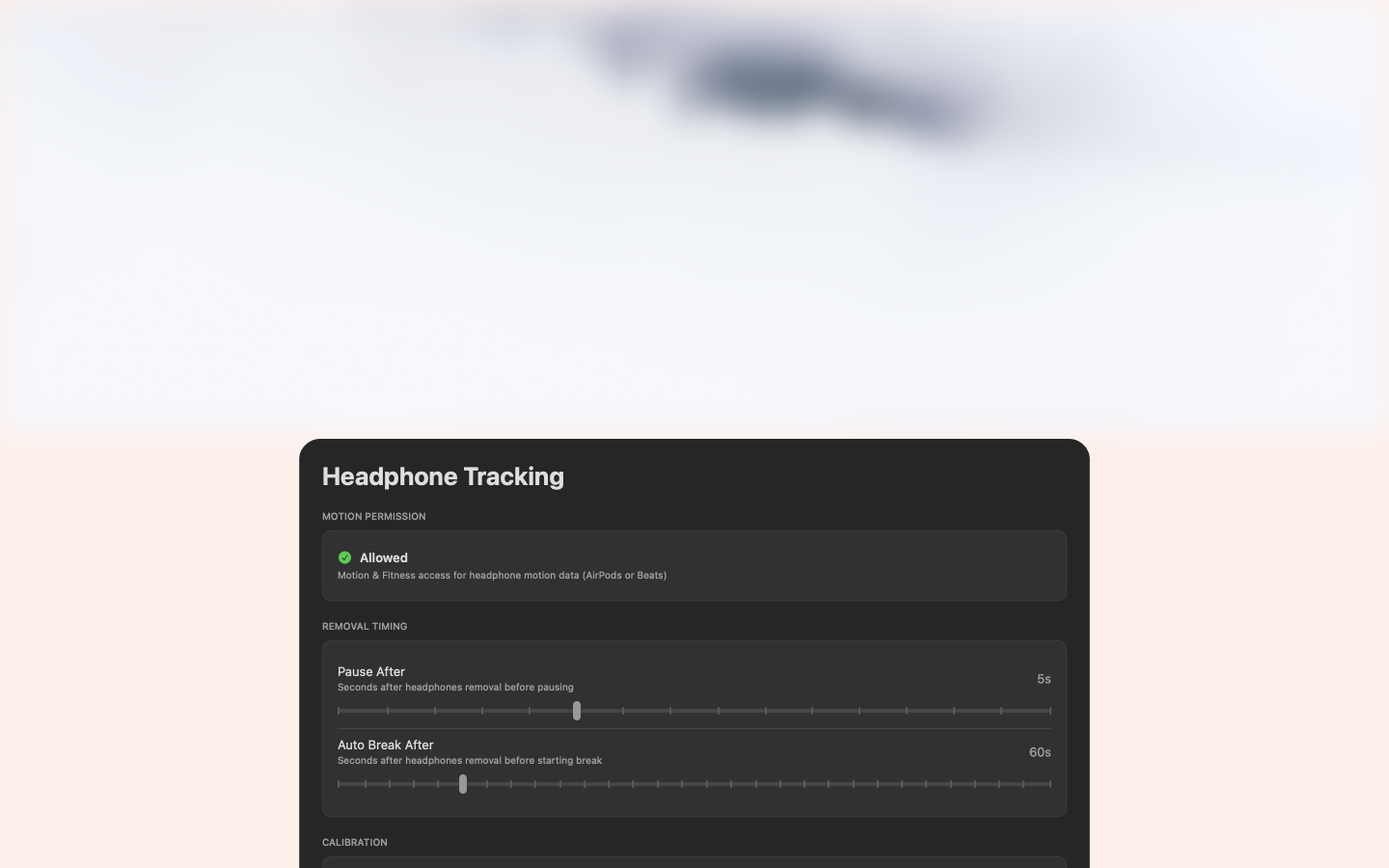
Private & Local
All motion data is processed locally on your Mac. No cloud storage, no tracking.
Works with AirPods & Beats
FlowPods uses motion data from these headphones to automatically detect focus and break states.
All motion data is processed locally on your Mac. No cloud storage, no tracking.
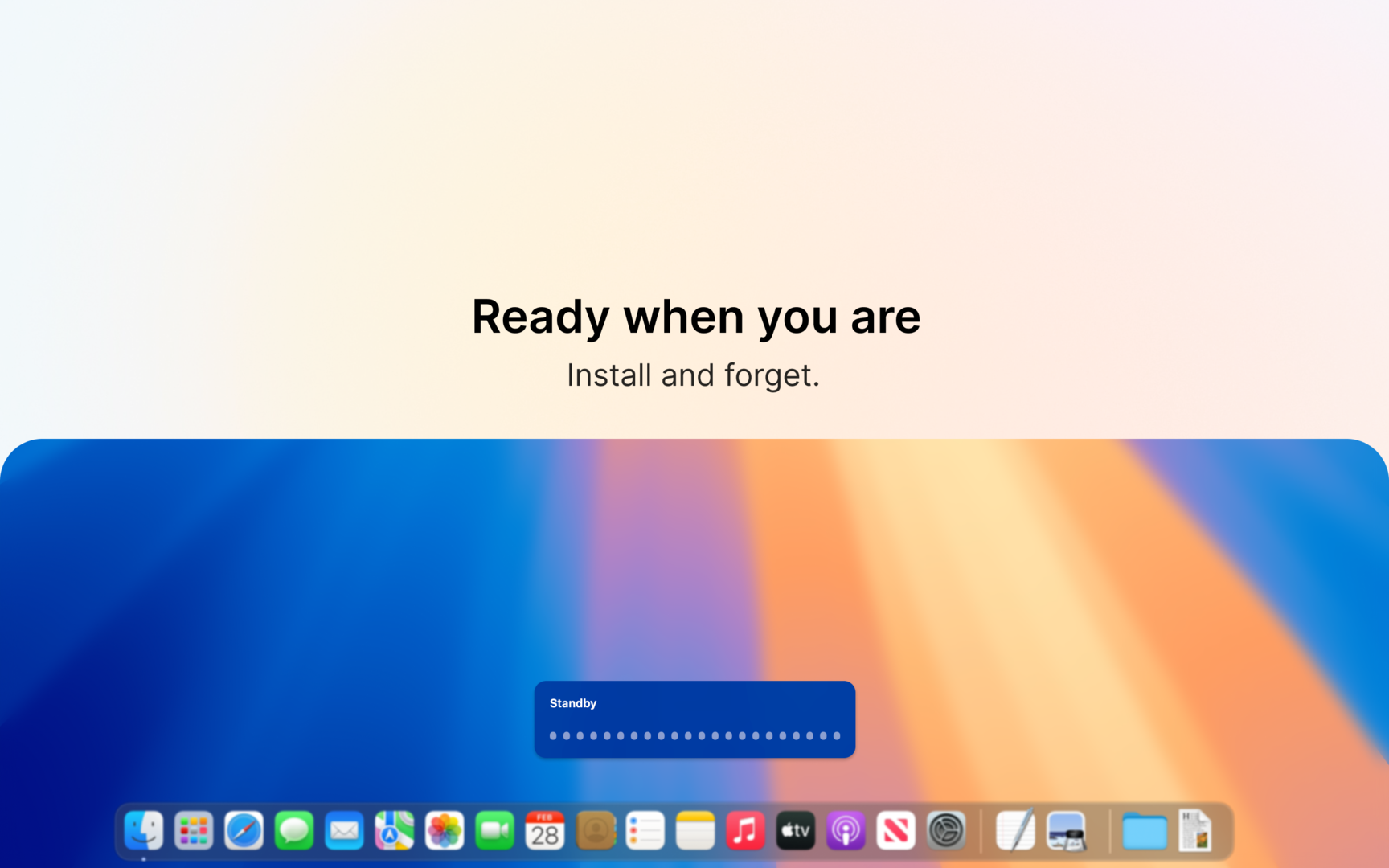
Just put on your headphones.
No complex setup. No manual tracking. It just works.
Zero Friction
Quick one-time setup, then just put on headphones and start working. No buttons to click.
Actionable Insights
Get daily and weekly reports that show exactly where your time goes. Local and private.
Weekly Evolution
Track your productivity trends over time with detailed weekly summaries and comparisons.
Privacy First
All motion data is processed locally on your Mac. No cloud storage, no tracking.
Focus better,
stay private.
Manual timers break your flow. FlowPods works with it.
Zero Friction
No timers to start or stop. FlowPods handles everything automatically based on your head motion.
Deep Insights
Understand your focus depth and app usage patterns without manual logging or interruptions.
Privacy First
All data remains on your Mac. No cloud, no tracking, no third-party sharing. Your work is yours.
Experience effortless focus.
Download FlowPods for free on the Mac App Store.
Ready to find your flow?
Join users tracking their focus automatically with headphones. Free to download with optional Pro features.

Common Questions
Everything you need to know about FlowPods.
FlowPods uses compatible headphones motion data to infer your focus and break states. When you're wearing compatible headphones and staying relatively still, it detects focus. Movement patterns or removing headphones indicate a break. App switching patterns help classify focus depth - frequent switching indicates Shallow Focus, while fewer switches suggest Deep Focus.
FlowPods requires Motion & Fitness access to read compatible headphones motion data. macOS will show the system permission prompt on first use.
The following headphones support motion tracking:
- AirPods 3rd Gen
- AirPods Pro
- AirPods Max
- Beats Fit Pro
- Beats Studio Pro
- Beats Solo Pro
- Beats Powerbeats Pro
These headphones have the built-in motion sensors that FlowPods uses to detect focus and break states.
You can still use FlowPods, but automatic focus tracking won't be available. App switching will still be tracked in dashboard.
Yes. All data stays on your Mac. Motion data is processed locally with no cloud storage, no tracking, and no third-party access.
Yes. FlowPods includes CSV export for both daily and weekly reports in the Pro version, so you can analyze your data or archive it however you like.
FlowPods requires macOS 15.0 or later.
Questions?
We're here to help with any questions about FlowPods.
support@getflowpods.comResponse within 24-72 hours